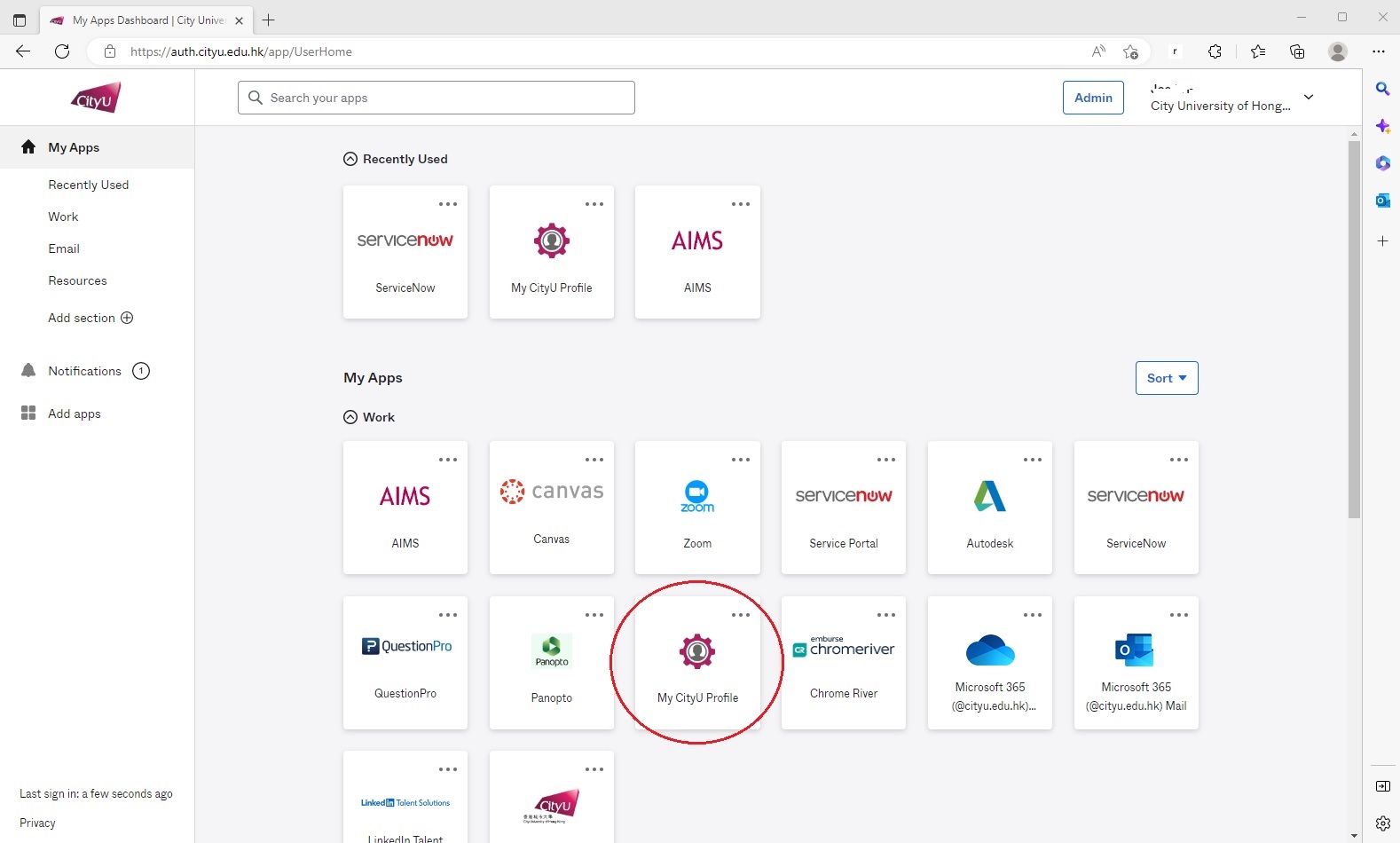
Open the "My CityUHK Profile" app.
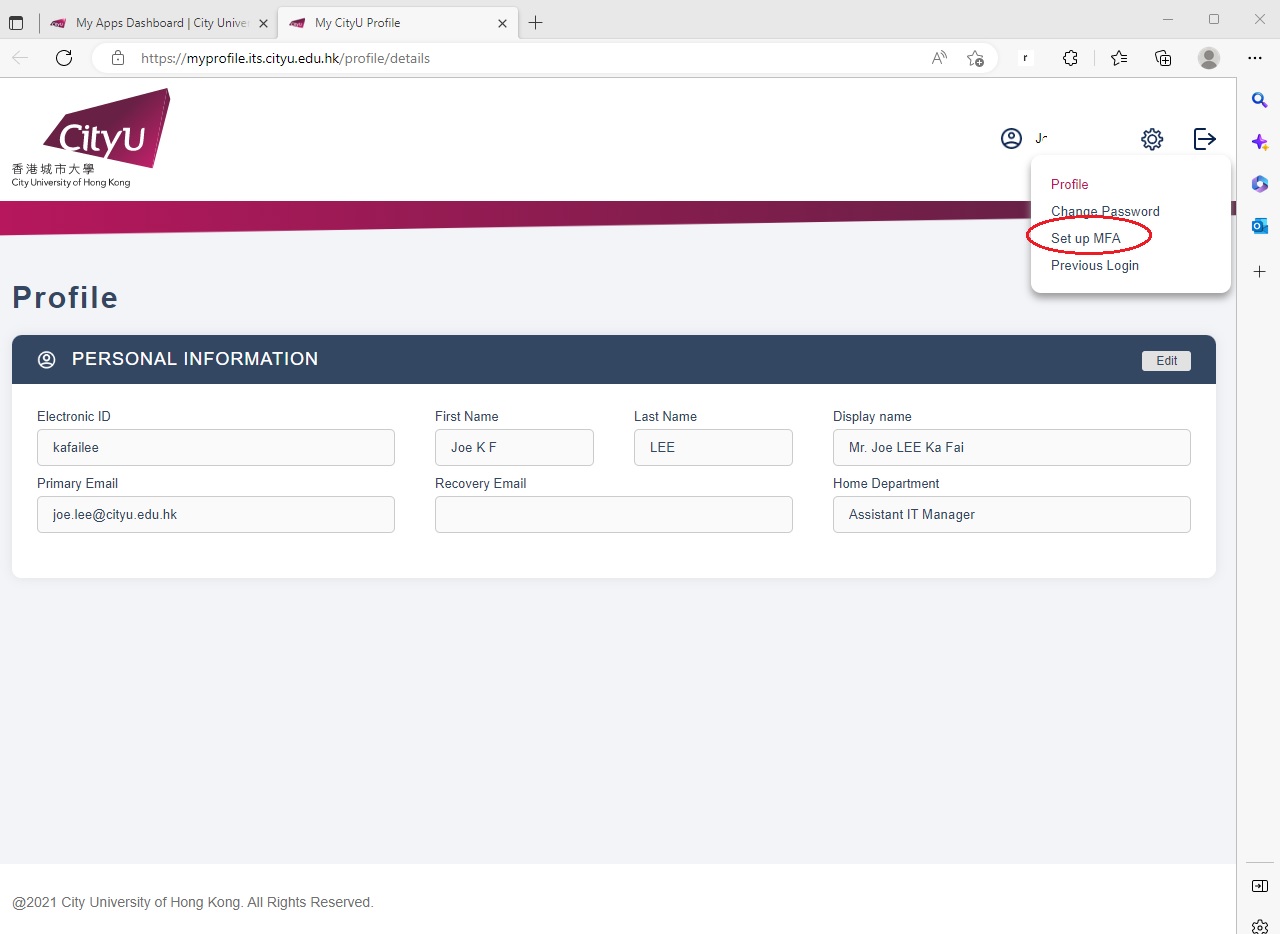
Open "Set up MFA"
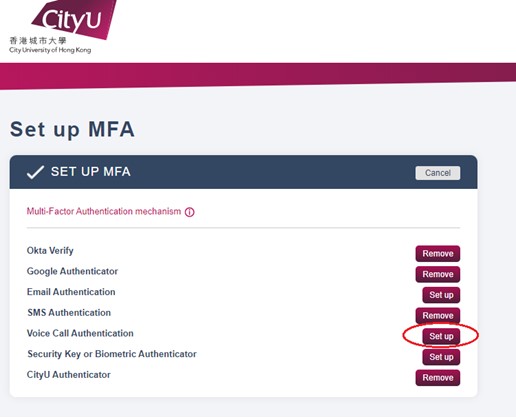
Click "Set up" button next to "Voice Call Authentication".
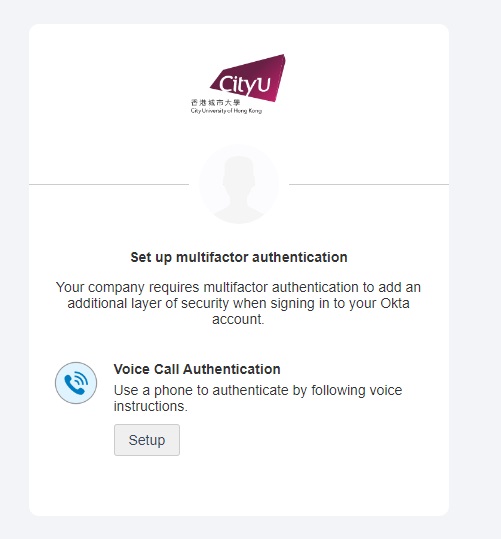
Click "Setup"
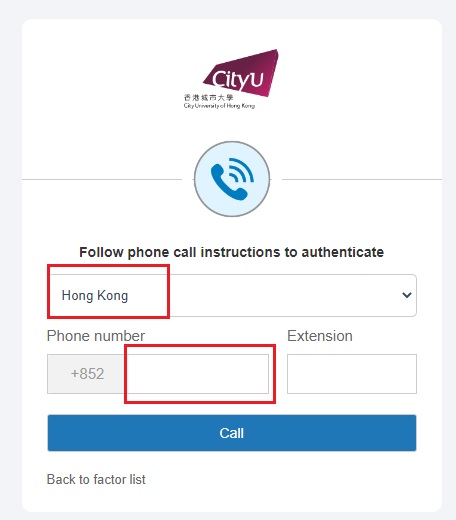
Choose the country and fill in the phone number, and then click "Call"
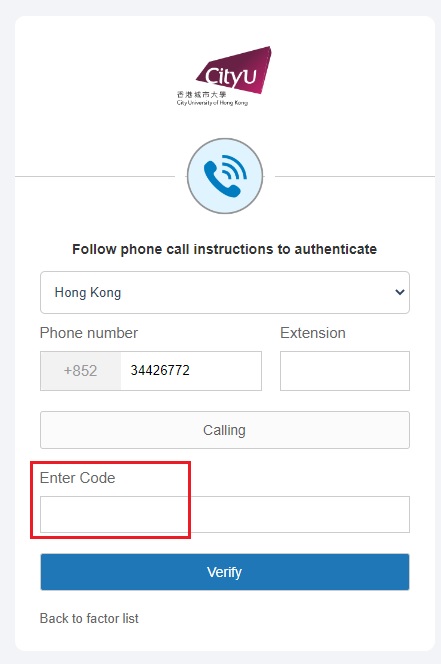
You will receive an anonymous call. Pick it up, fill in the 5-digit code as mentioned in the call, and then click "Verify"
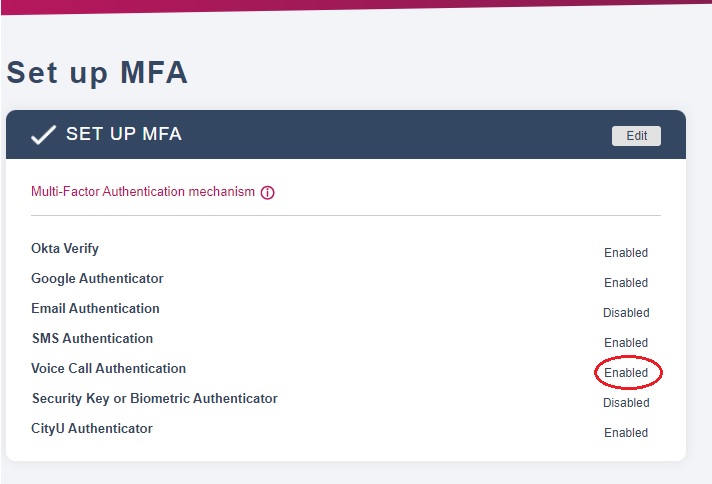
The setup is done. You will see "Enabled" next to the Voice Call Authentication.
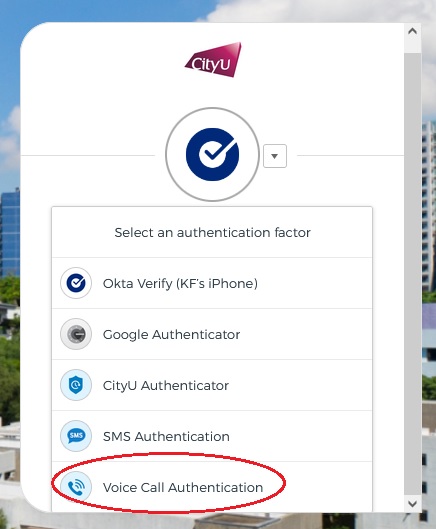
Next time when you are asked for MFA, you can choose the Voice Call Authentication.
IT.ServiceDesk@cityu.edu.hk